
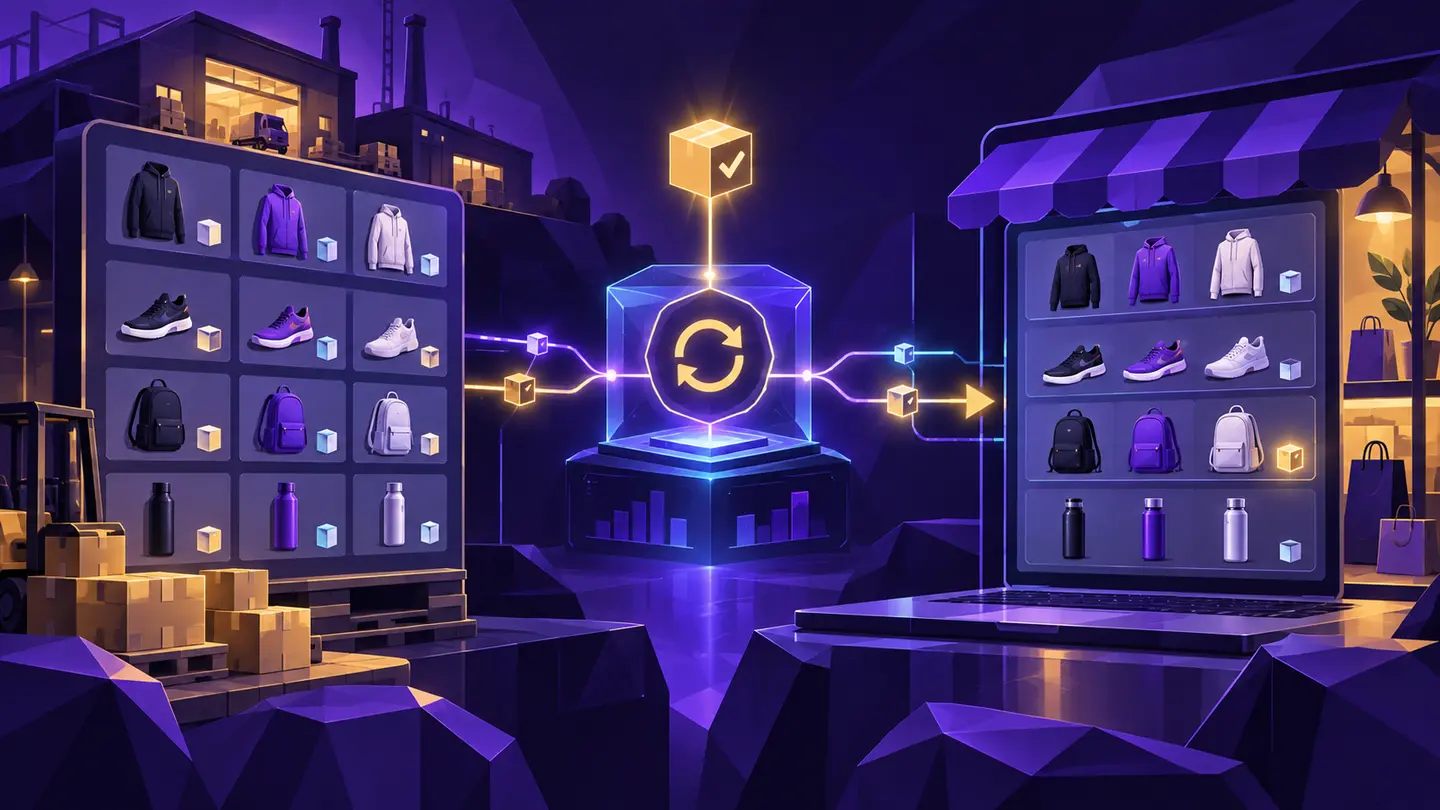
Supplier inventory synchronization connects two catalogs that were usually built independently. One belongs to the supplier and one belongs to the merchant. Keeping them aligned requires more than copying a stock number from one screen to another.
First, match the correct variants
A supplier product may have several sizes, colors, or configurations. Shopify stores those choices as variants, and the supplier may identify the same options differently. The synchronization process needs a dependable relationship between each supplier variant and the correct Shopify variant.
SKU is a common starting point, but real catalogs contain blank SKUs, duplicates, spaces, and naming differences. Review the mappings before allowing the system to change inventory.
Observe before updating
A controlled sync separates observation from action. The system checks the supplier, records what it found, and compares that result with the previous observation. Only then does it decide whether a Shopify update is required.
This separation makes the process easier to explain. If something looks wrong, the operator can determine whether the source changed, the mapping was incorrect, or the Shopify update failed.
Decide exactly what can change
Stock availability and price are different business decisions. A merchant may want availability updated automatically while requiring price changes to be reviewed. The rules should also specify which Shopify location is affected and what happens when supplier data is stale.
- Inventory or availability field
- Shopify location
- Price synchronization setting
- Out-of-stock behavior
- Failure notifications
Review the exceptions
No supplier source stays perfectly consistent forever. Products are removed, themes change, and variants are renamed. A useful synchronization workflow makes those exceptions visible instead of silently guessing.
This article provides general operational information, not legal or professional advice. Test decisions against your own catalog, supplier terms, and business requirements.